
The ClubPal app, your club in your pocket
Session reminders that actually reach people, one tap to get in, and every club you belong to in one place. Free for members and for the committee.


What the app does that a browser tab does not
Push notifications
Session reminders, chat messages and club announcements arrive on the lock screen. No inbox to check, and nothing buried under three other apps.
One tap, already signed in
It sits on the home screen and opens where the member left off. No URL to remember and no signing in every time.
More than one club, one app
Parents with two children in different clubs, and coaches who volunteer at more than one, switch between them without signing out.
A look inside
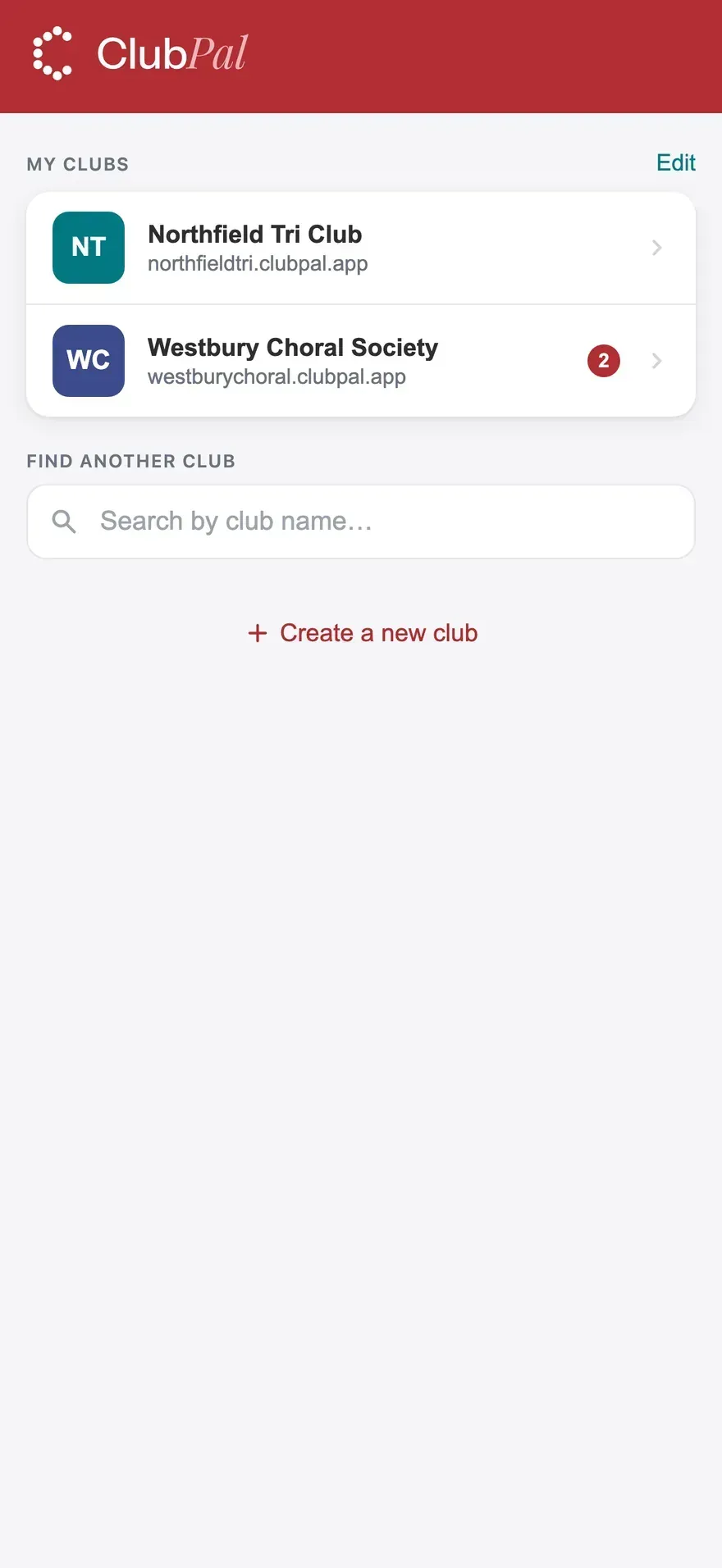
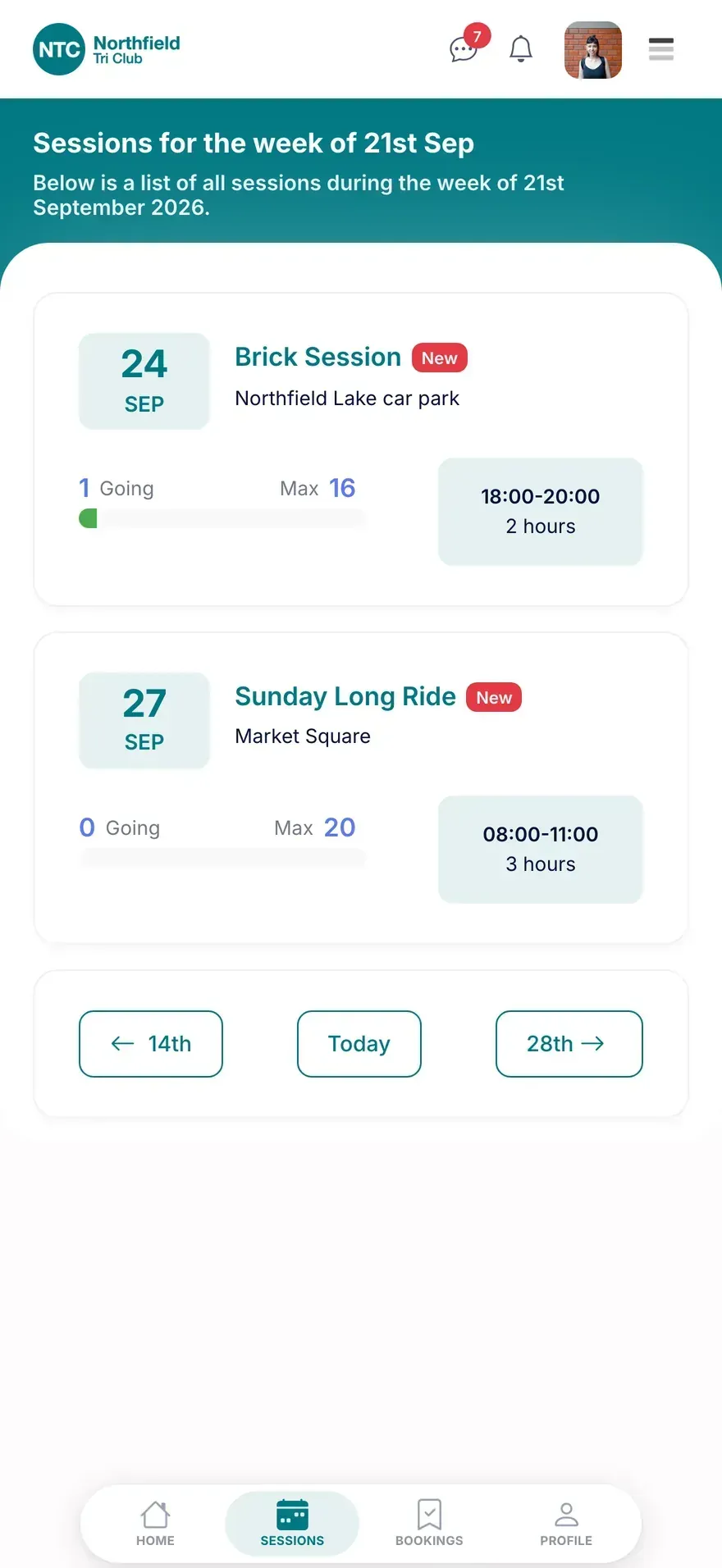
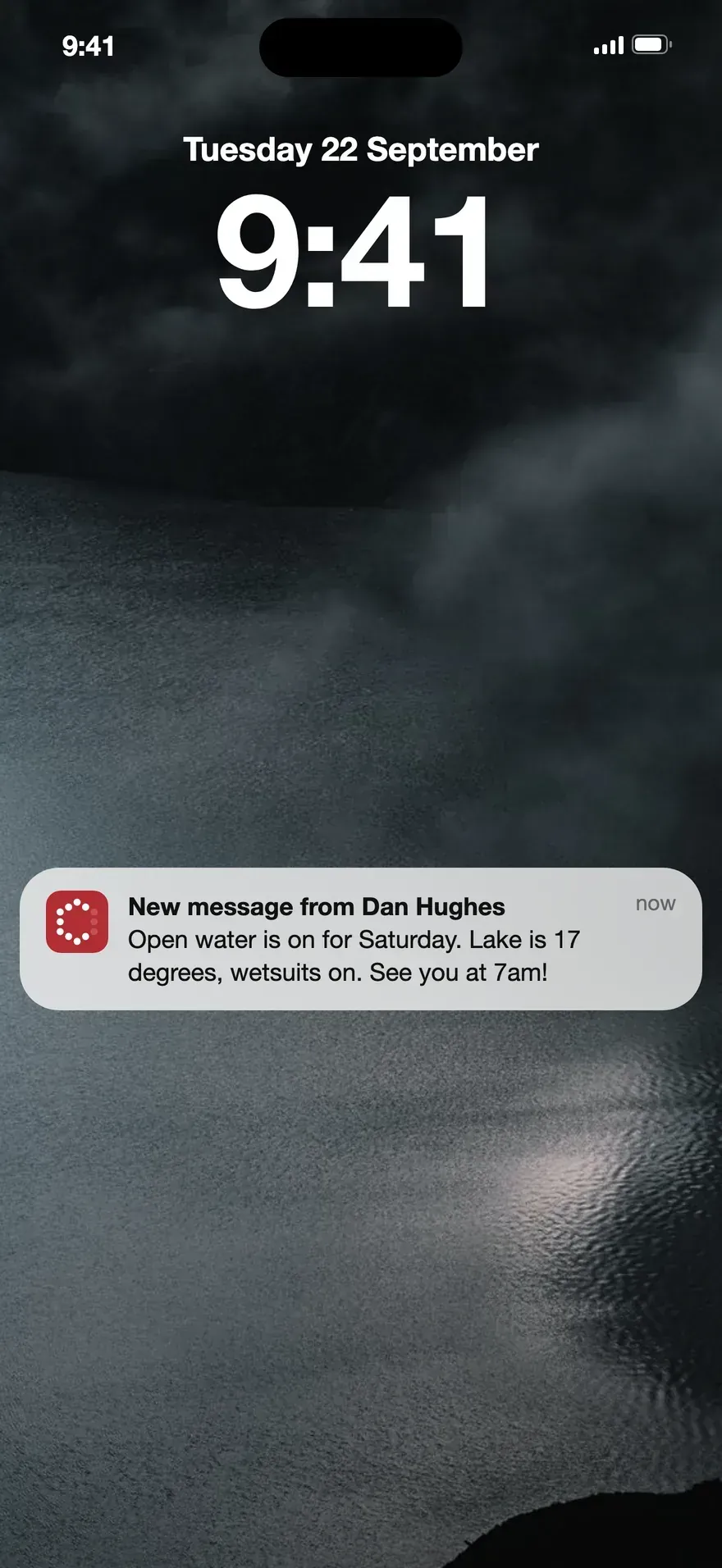
For members, and for the people running it
For members
See what is on, book a session, pay for it, and get told when something changes. Everything a member does on the ClubPal website, on the phone they already have in their hand.
For coaches and committee
The app opens the same ClubPal your club already runs on, with the same permissions, so a coach can check a register at the side of a pitch instead of back at a laptop.
Three steps, about a minute
1. Install it
Search for ClubPal on the App Store or Google Play, or open clubpal.app/get-the-app on the phone and it will send you to the right one.
2. Sign in
Use your ClubPal account, the same details as the website. If you have not got one yet, you can register in the app.
3. Allow notifications
This is the part that makes the app worth having. You can change what you get, or turn it off, whenever you like.
Running a club? Send your members to clubpal.app/get-the-app. One link that works on both platforms, so it can go straight in a members email or on a QR code by the door.
Questions about the app
Does the app cost anything?
No. The app is free to download and free to use, on both iPhone and Android. ClubPal charges clubs nothing to run, and takes one flat fee only when a club takes a payment.
Do I need an account before I can use it?
You sign in with the same ClubPal account you use on the web. Most members already have one, either because their club invited them or because they registered themselves at their club’s ClubPal address. If you have not got one yet, you can register in the app exactly as you would in a browser.
Does the app replace our club website?
No. Your ClubPal club website carries on as it is, and stays the public front door for people who have not joined yet. The app is for the people already in your club.
Can I turn the notifications off?
Yes. Notification preferences live in your ClubPal account and apply per device, so you can keep session reminders and switch chat messages off, or turn the lot off, at any time.
Deleting your account: see the account deletion page for what is removed, what is kept, and how long it takes.
Get your club on the app
ClubPal is free for clubs to run, with no subscription and no setup fee. Set your club up on the web, and your members get the app the same day.